 网硕互联帮助中心
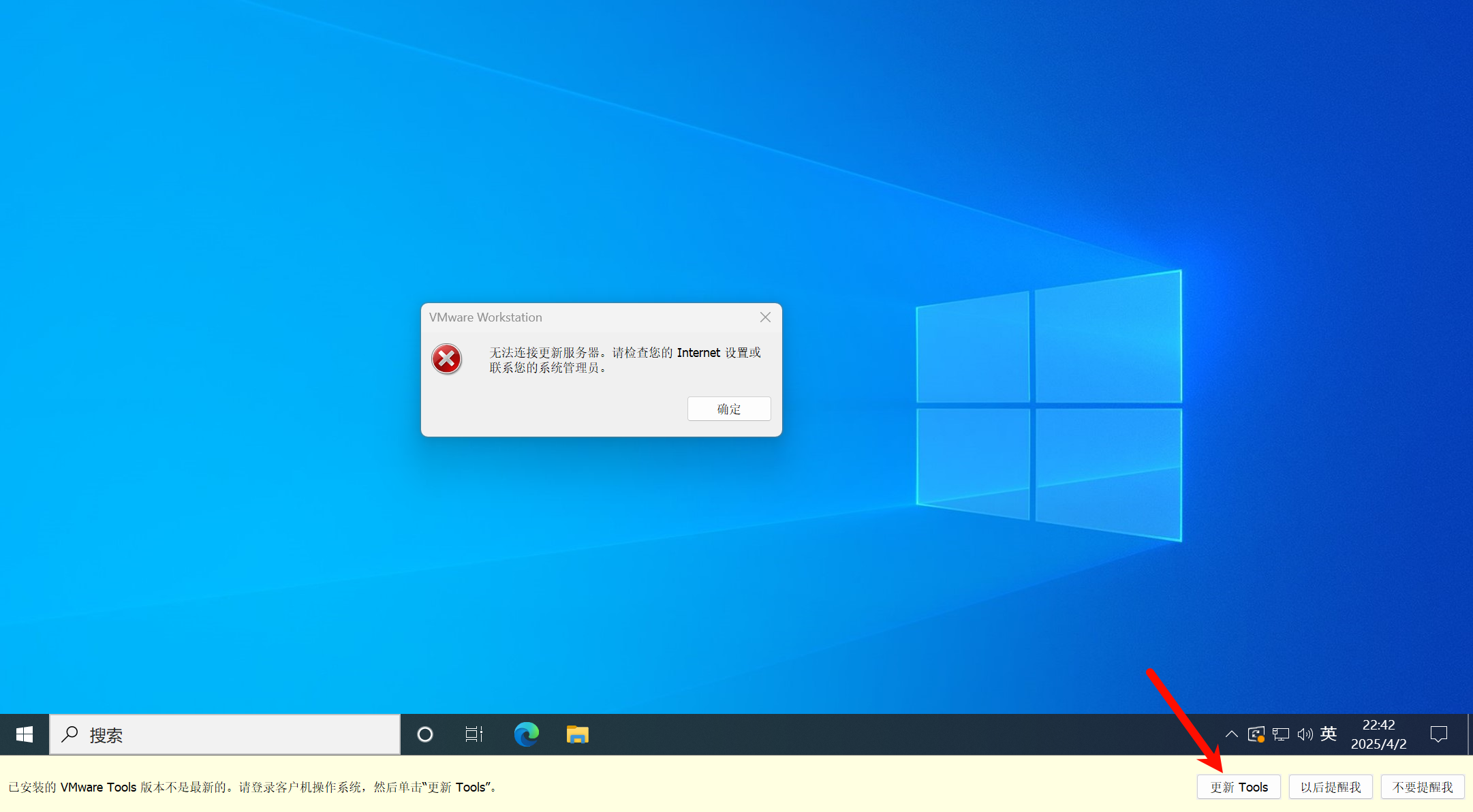
1、更新Tools报错,宿主机Windows11,虚拟机Windows10
无法连接更新服务器。请检查您的 Internet 设置或联系您的系统管理员。
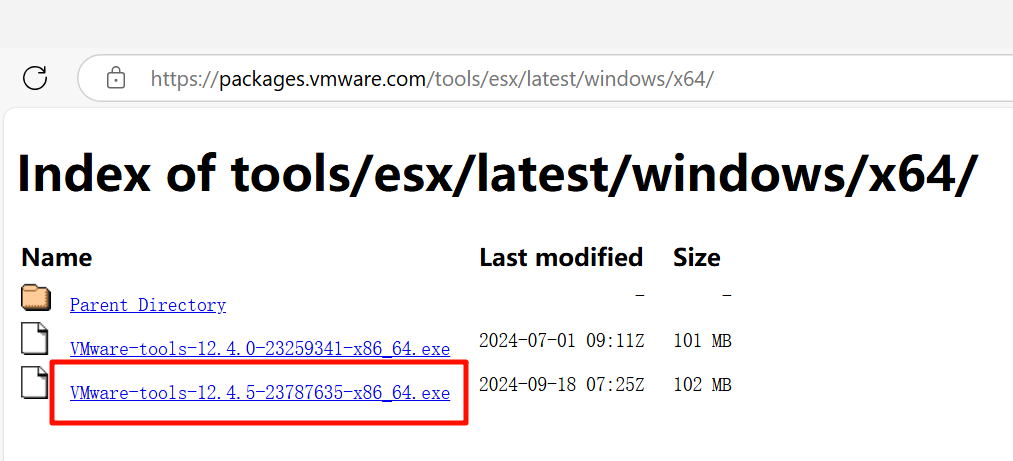
2、下载VMware-tools-12.4.5-23787635-x86_64.exe
Index of tools/esx/latest/windows/x64/
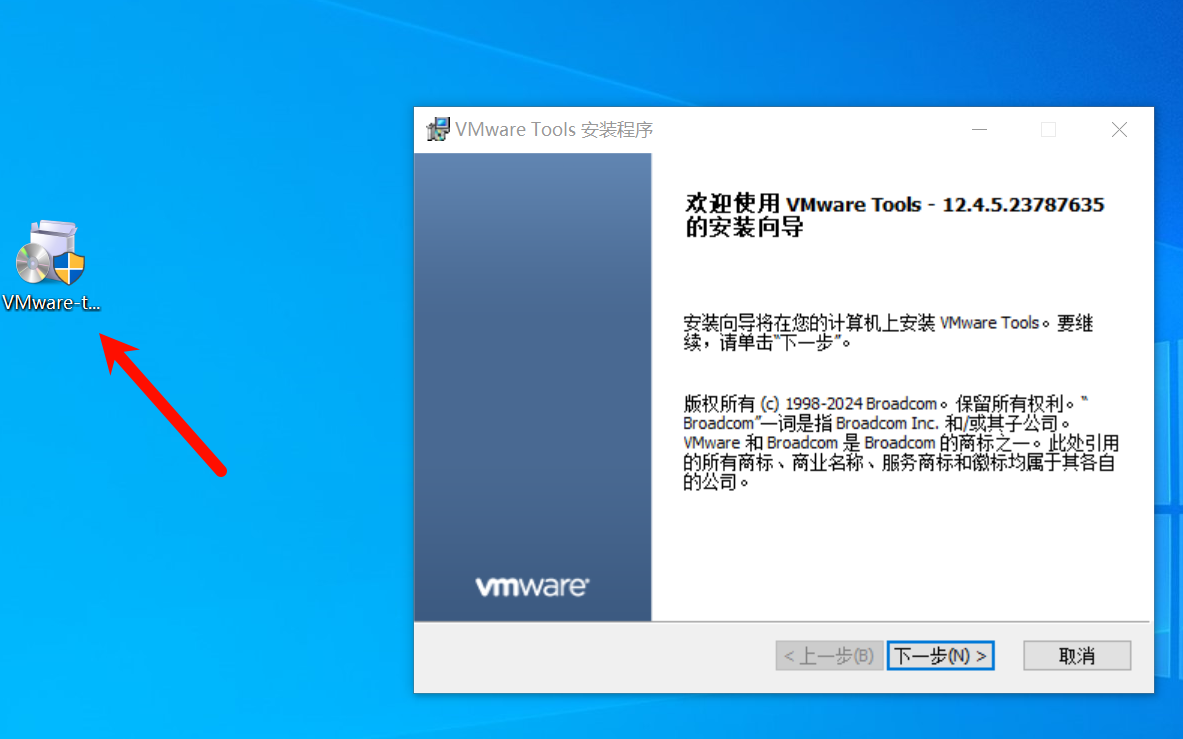
3、拖进虚拟机中,双击安装
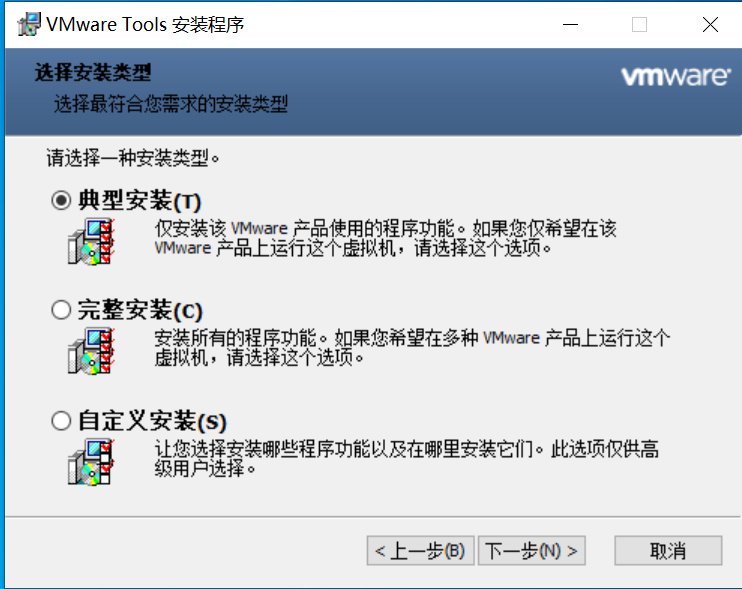
4、典型安装,下一步
5、重启虚拟机,这里最好使用VMware重启
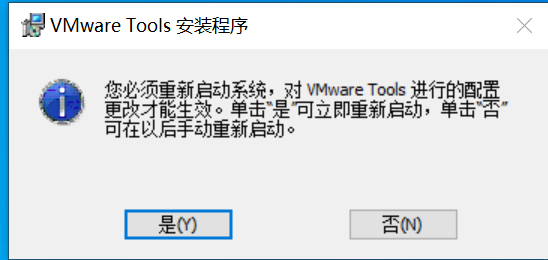
6、无提示
1、更新Tools报错,宿主机Windows11,虚拟机Windows10
无法连接更新服务器。请检查您的 Internet 设置或联系您的系统管理员。
2、下载VMware-tools-12.4.5-23787635-x86_64.exe
Index of tools/esx/latest/windows/x64/
3、拖进虚拟机中,双击安装
4、典型安装,下一步
5、重启虚拟机,这里最好使用VMware重启
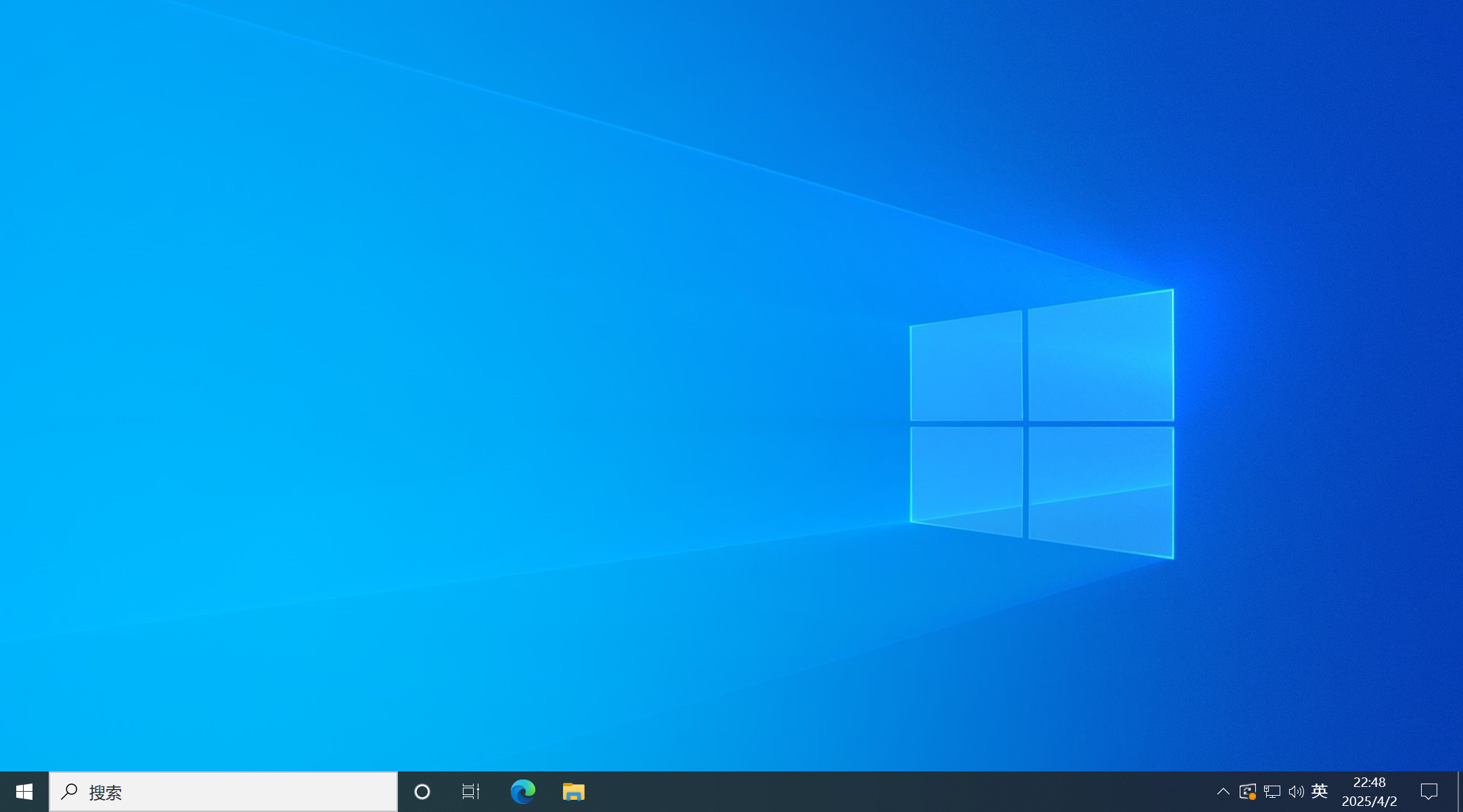
6、无提示





评论前必须登录!
注册