 网硕互联帮助中心
1 基本说明
最近打算深度弄一下SOC,这里又要用到linux开发环境,本来还是想用WSL,不过便携性和同步性不好,在单位有时间的话也没法用。后面又想去买一个促销的腾讯云或者阿里云,不过促销的一般是国内服务器,拉外网代码太痛苦了。正好看到说Github/Codespaces可以白嫖,配置还不错,最关键的是拉github代码速度快到飞起,和github集成的非常好。必须得上了。。。
看了一下可以选2核和4核的,使用时长好像都差不多。主要是如果超时了,4核的会贵一些。2核心的配置如下:
- CPU:2 核(vCPU)
- 内存:8 GB RAM
- 存储:32 GB(/workspaces 目录)
- 系统:Ubuntu Linux(默认镜像)GitHub
- 免费额度:每月 120 核时(core-hours) + 15 GB 存储(2 核机约 60 小时 / 月)
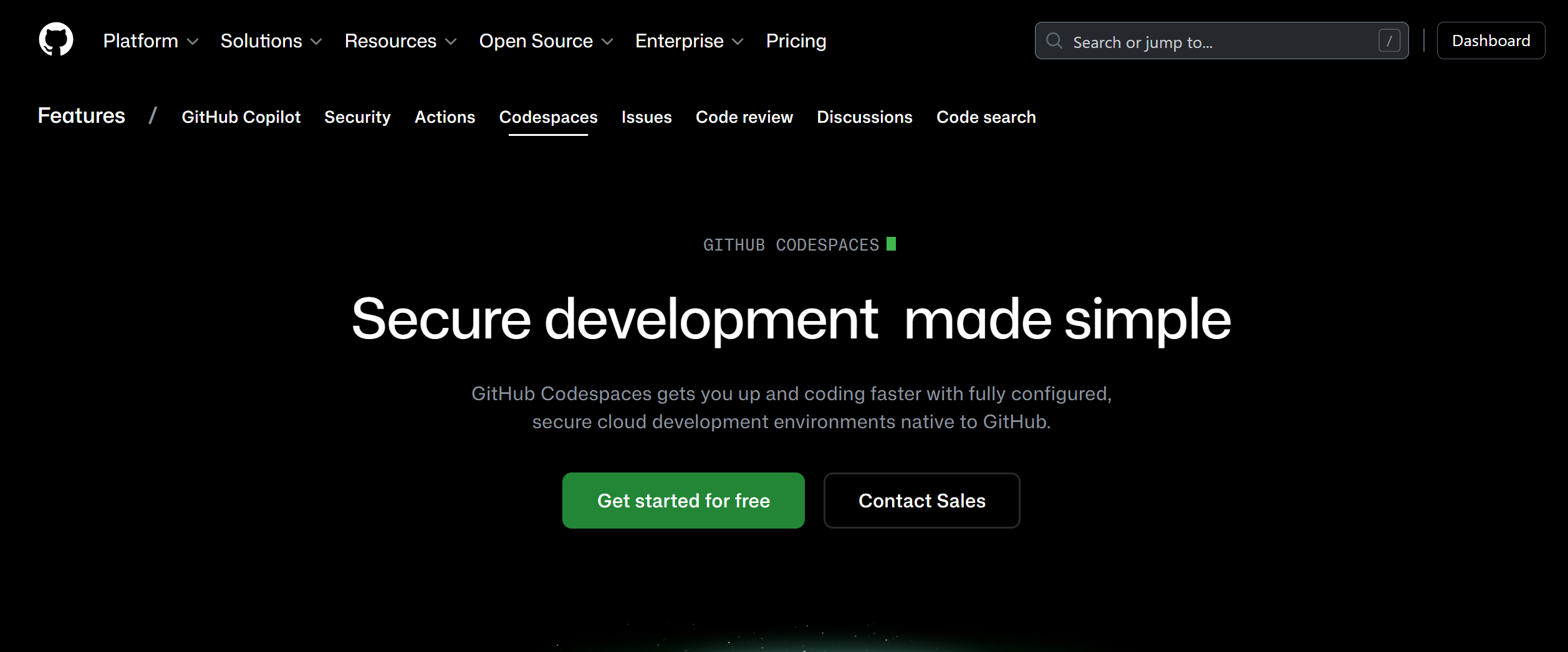
一进去主页是这样的:
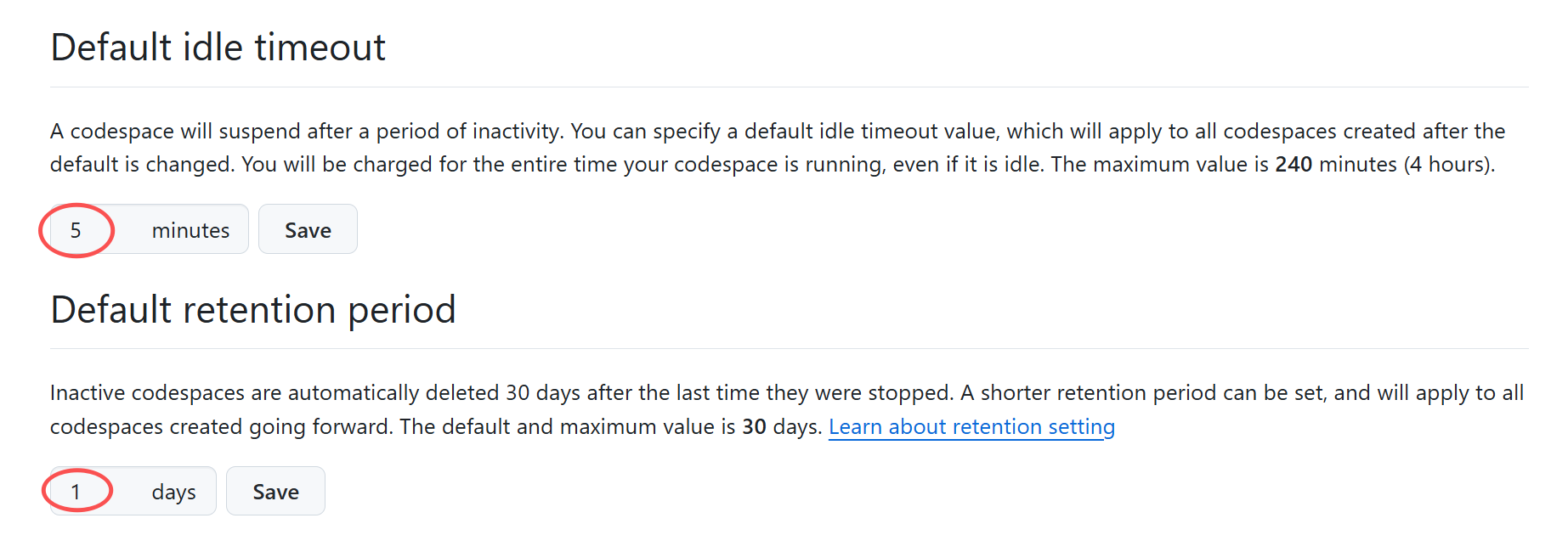
为了能用的更多不浪费,很多资料都会说让把超时时间改小。默认是30分钟,改成5分钟就好。位置是在主界面的setting->Codespaces
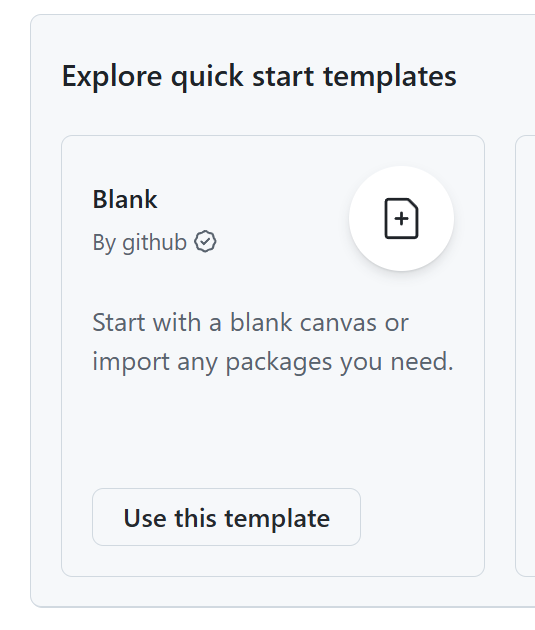
这里可以自己创建空白环境。
之后下面的界面可以设置成传统的黑色。
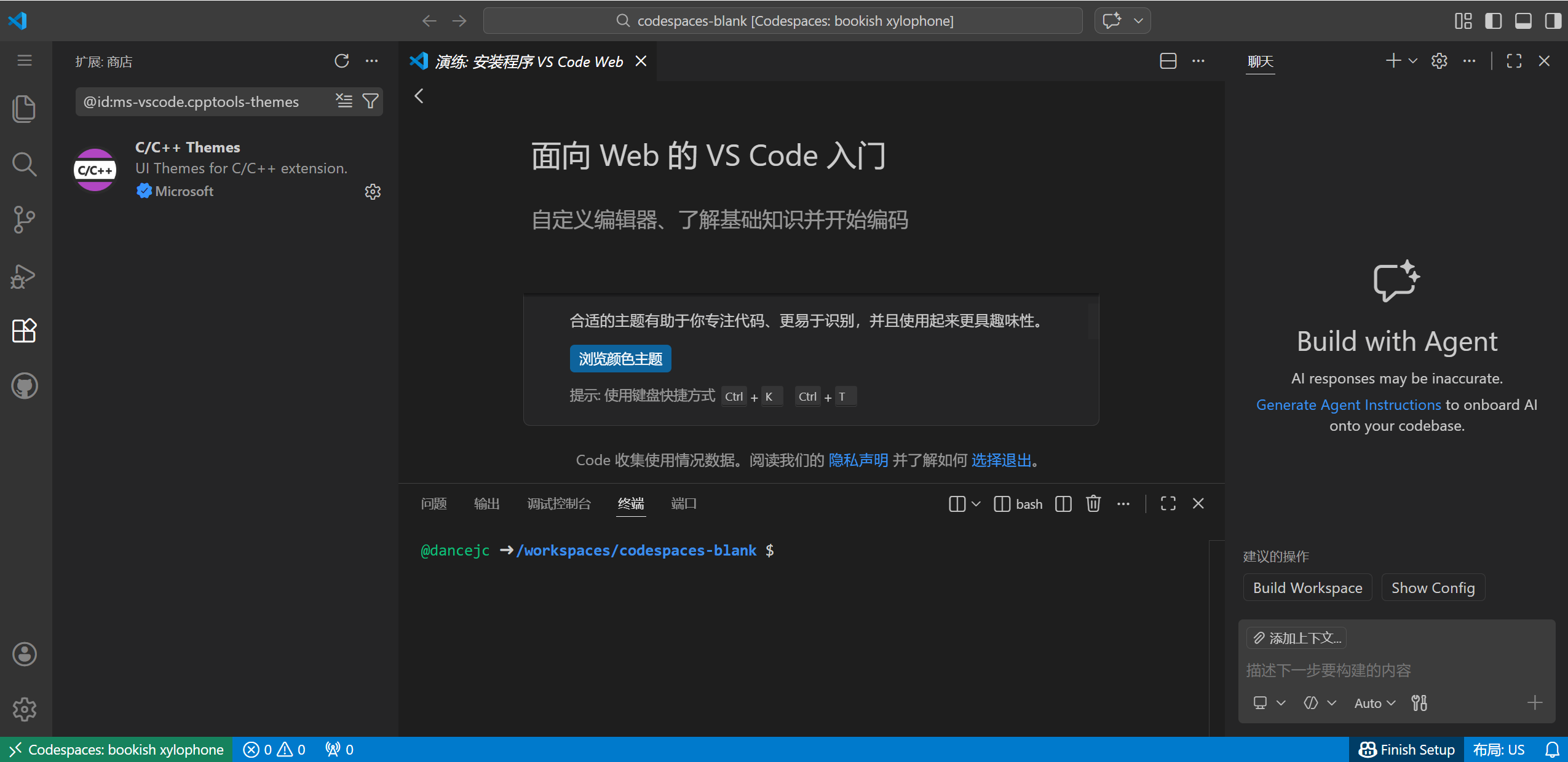
默认的是没有任何开发工具,点击最左下角的符号,选择Add Dev container configuration Files。就会增加一个默认的。
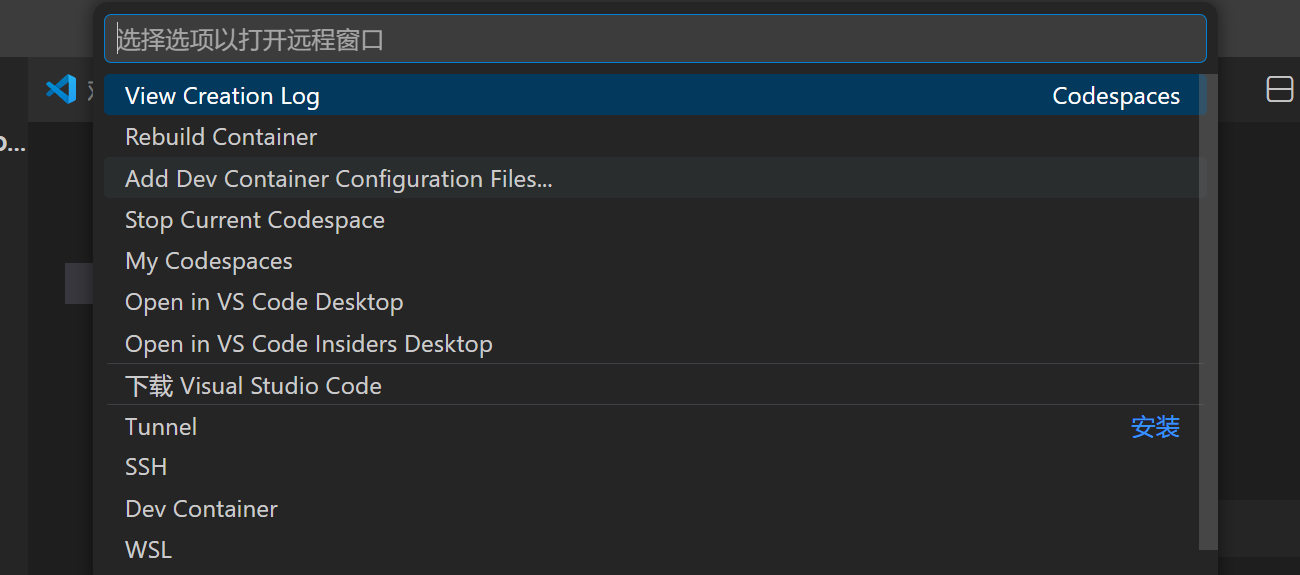 默认的配置文件就是.devcontainer/devcontainer.json。内容如下:
{"image":"mcr.microsoft.com/devcontainers/universal:2"}
直接用的话基本上就是创建了一个包含全部开发工具的docker。安装好之后试了一下,常用的工具里面几乎都有了。连perl,php这些古早工具都有。
👋 Welcome to Codespaces! You are on our default image.
– It includes runtimes and tools for Python, Node.js, Docker, and more. See the full list here: https://aka.ms/ghcs-default-image
– Want to use a custom image instead? Learn more here: https://aka.ms/configure-codespace
🔍 To explore VS Code to its fullest, search using the Command Palette (Cmd/Ctrl + Shift + P or F1).
📝 Edit away, run your app as usual, and we'll automatically make it available for you to access.
@dancejc ➜ /workspaces/codespaces-blank $ ls
@dancejc ➜ /workspaces/codespaces-blank $ pwd
/workspaces/codespaces-blank
@dancejc ➜ /workspaces/codespaces-blank $ python
Python 3.12.1 (main, May 6 2025, 20:30:25) [GCC 9.4.0] on linux
Type "help", "copyright", "credits" or "license" for more information.
>>> exit()
@dancejc ➜ /workspaces/codespaces-blank $ gcc
gcc: fatal error: no input files
compilation terminated.
@dancejc ➜ /workspaces/codespaces-blank $ make
make: *** No targets specified and no makefile found. Stop.
@dancejc ➜ /workspaces/codespaces-blank $ java -version
openjdk version "21.0.7" 2025-04-15 LTS
OpenJDK Runtime Environment Microsoft-11369942 (build 21.0.7+6-LTS)
OpenJDK 64-Bit Server VM Microsoft-11369942 (build 21.0.7+6-LTS, mixed mode, sharing)
@dancejc ➜ /workspaces/codespaces-blank $ php -version
PHP 8.3.14 (cli) (built: May 6 2025 20:22:03) (NTS)
Copyright (c) The PHP Group
Zend Engine v4.3.14, Copyright (c) Zend Technologies
with Xdebug v3.4.2, Copyright (c) 2002-2025, by Derick Rethans
@dancejc ➜ /workspaces/codespaces-blank $ perl -version
This is perl 5, version 30, subversion 0 (v5.30.0) built for x86_64-linux-gnu-thread-multi
(with 60 registered patches, see perl -V for more detail)
Copyright 1987-2019, Larry Wall
Perl may be copied only under the terms of either the Artistic License or the
GNU General Public License, which may be found in the Perl 5 source kit.
Complete documentation for Perl, including FAQ lists, should be found on
this system using "man perl" or "perldoc perl". If you have access to the
Internet, point your browser at http://www.perl.org/, the Perl Home Page.
还是挺方便的。
2 创建树莓派3裸片环境
如果要使用别人的仓库,直接在界面的code下点积codespaces就可以。
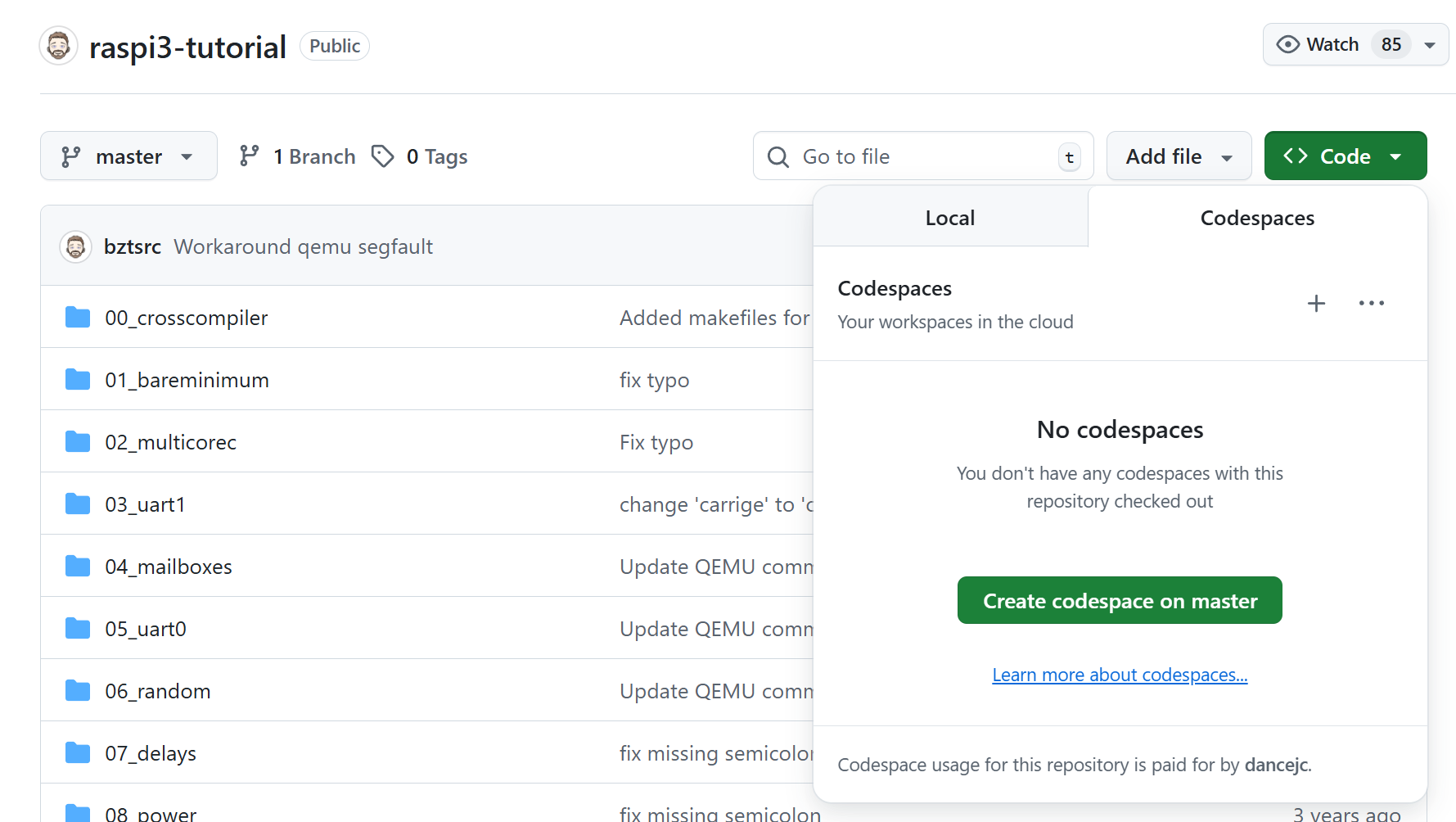
之后会直接进入很类似VSCode的web版。
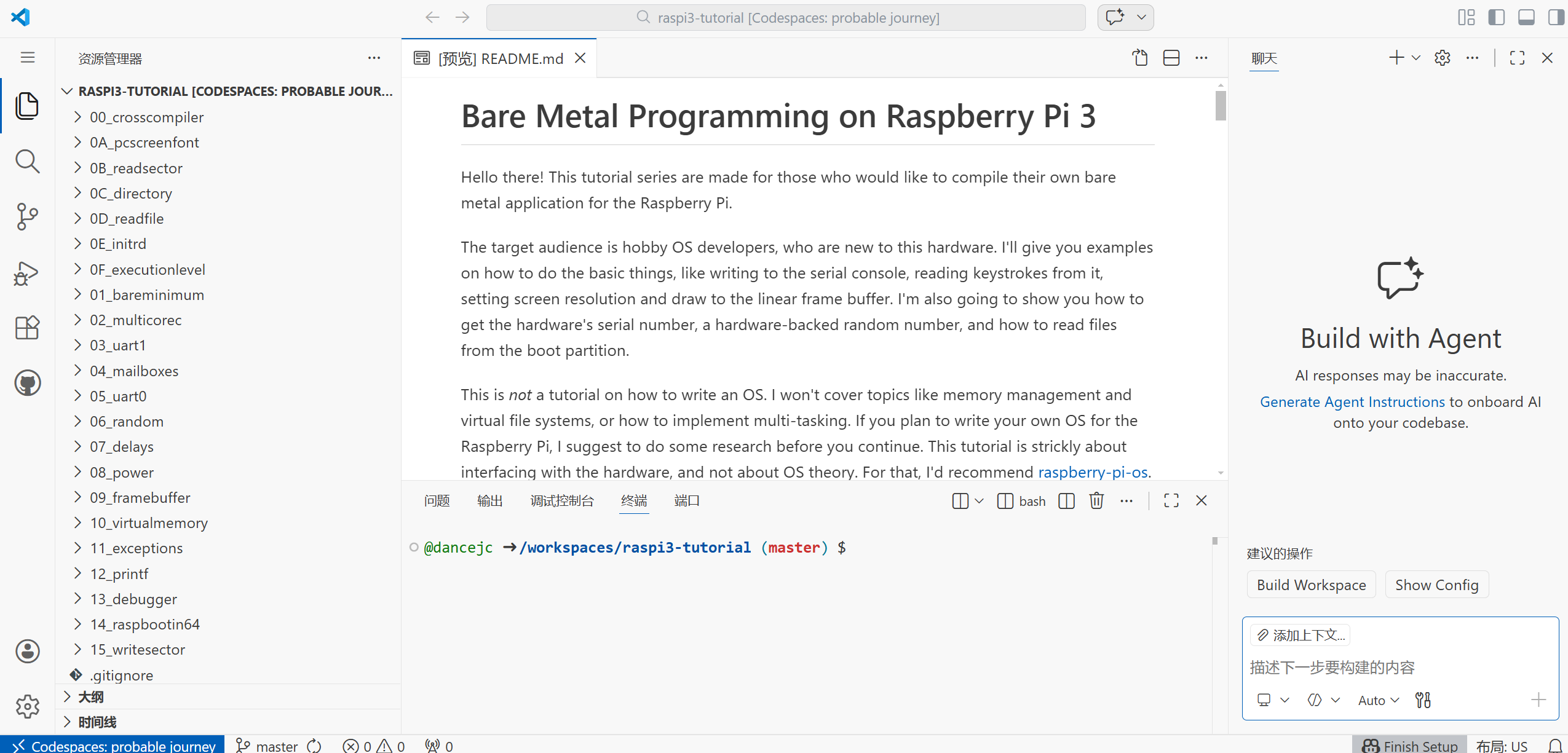
在主界面下也创建了这个,应该是docker吧。

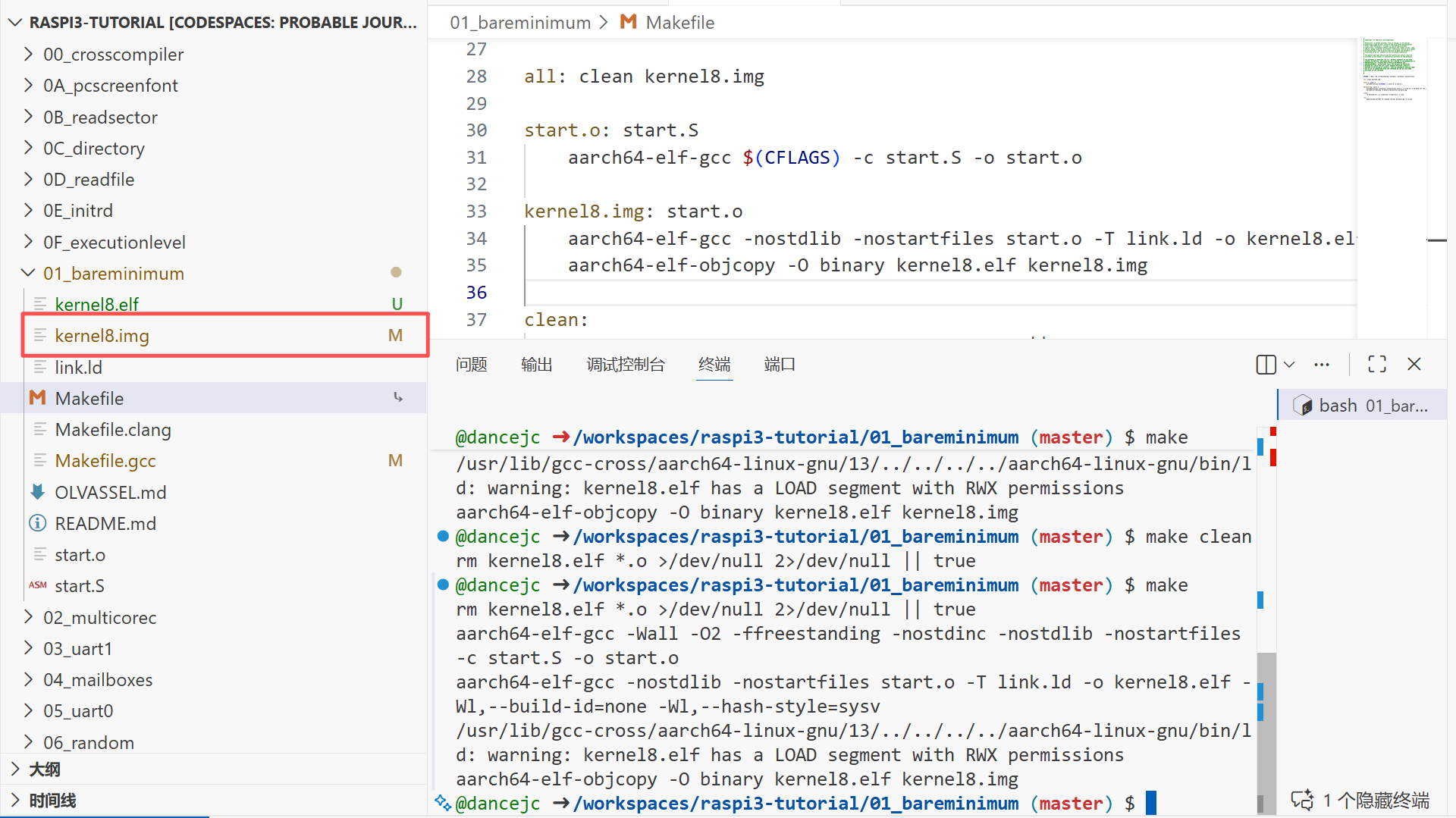
因为没有默认的devcontainer,所以进来之后编译工具还是要手动安装。
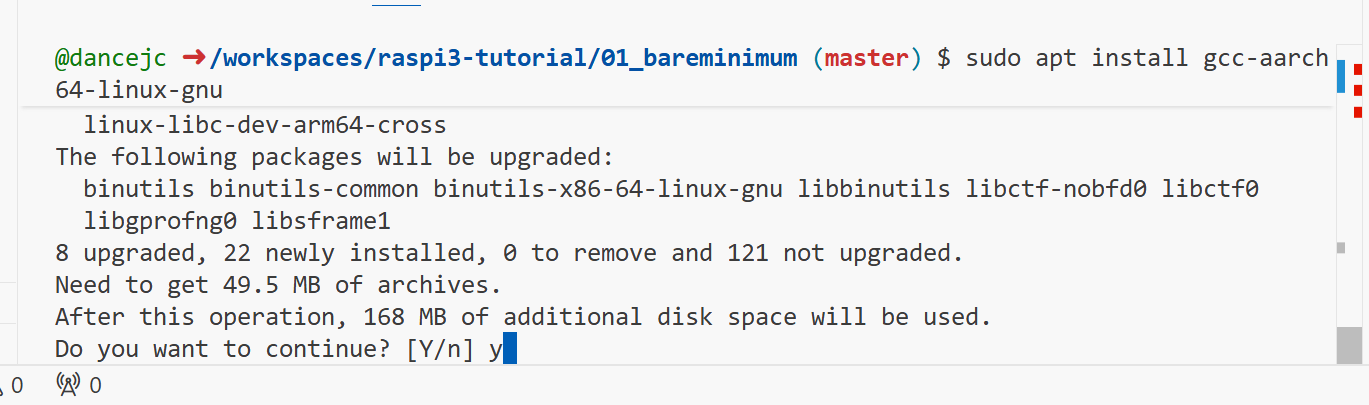
安装好的makefile和现在的工具不是很兼容,要改不少选项才行。一番折腾,最后还是编译成功了。生成物就是kernel8.img。
右键选择下载,就能下载到本地了。真的比腾讯云,阿里云方便多了。
3 费用
看了一下就用了两三天,居然有0.44美元的费用,不过详细看了下,应该是可以抵扣的。如下:
$0.44
Showing currently applied usage and credits for your account.
Current usage for Mar 1 – Mar 31, 2026. Monthly quota resets in 1 day(s).
Included usage*
2,000 included Actions minutes
~$12.00 off*
$0
.5 GB included Actions storage
~$0.125 off*
$0
10 GB included Git LFS bandwidth
~$0.875 off*
$0
10 GB included Git LFS storage
~$0.70 off*
$0
1 GB included Packages data transfer
~$0.50 off*
$0
.5 GB included Packages storage
~$0.125 off*
$0
Included premium requests
~$0 off
$0
15 GB included Codespaces storage
~$1.05 off*
<$0.01
120 included Codespaces core hours
~$10.80 off*
$0.44
* Included usage is an approximate amount based on current pricing.
总之感觉还是挺方便的,不过比起实体Linux,好像还是差了点感觉。。。



评论前必须登录!
注册