 网硕互联帮助中心
前端离线数据库数据迁移与备份恢复实战:Dexie.js 版本演进
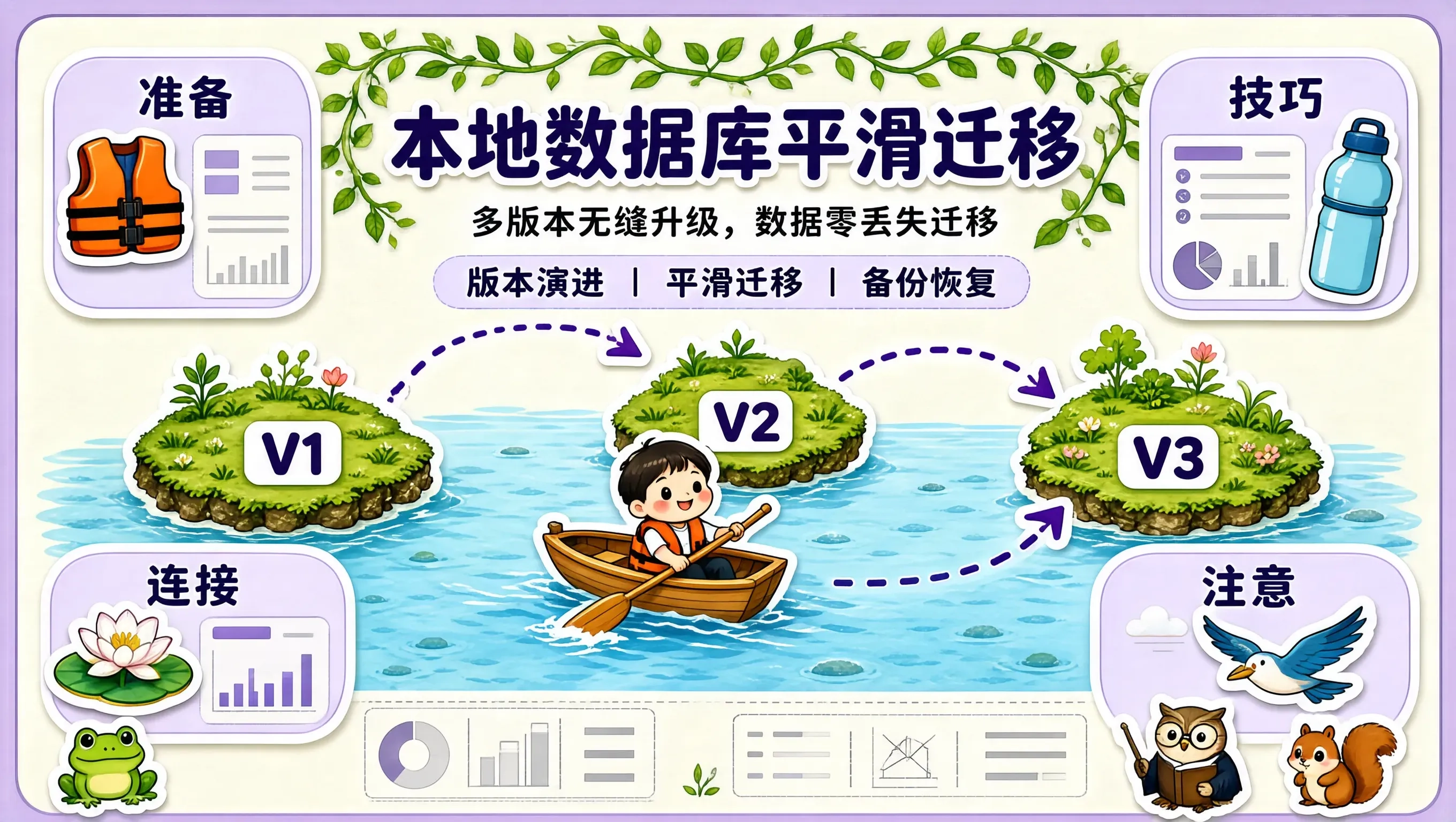
在本地优先(Local-First)的应用架构中,用户的日记、排版、待办清单全部持久化保存在用户本地的 IndexedDB 数据库中。
随着产品的持续迭代与新版本发布,数据结构发生演进不可避免:
- 在 V1 版本中,待办项只有一个 completed: boolean;
- 在 V2 版本中,我们新增了 completedAt: number 与 tags: string[];
- 在 V3 版本中,我们需要将旧的扁平数据迁移为带有 CRDT 字段级元数据的新结构。
如果处理不当,用户在浏览器刷新打开新版本时,极易发生**“数据库升级失败、甚至旧数据被全盘清空的灾难性事故(Data Loss Disaster)”**。
借助 Dexie.js 的声明式多版本演进管道(Declarative Schema Versioning & Upgrades),我们可以实现**“多版本无缝平滑升级、数据 100% 自动迁移、以及一键 JSON 备份与恢复”**的生产级本地数据库管理体系。
+——————————————————————–+
| Dexie.js 声明式本地数据库版本演进与迁移流水线 |
+——————————————————————–+
| [旧用户本地数据库状态: Version 1 (V1 结构)] |
| └── todos: { id, text, completed, createdAt } |
| |
| [用户打开 V3 新版本网页 -> 触发 Dexie 自动升级管道 (Upgrade Hook)] |
| ├── 升级到 V2: 自动补齐 tags: [] 与 completedAt: 0 |
| └── 升级到 V3: 将字段重构为带有 CRDT 时间戳的高级结构 |
| | |
| [执行原子事务升级: 若中途崩溃自动回滚至 V1, 0 坏库 0 丢数据] |
| |
| [升级成功: 瞬间平滑进入 V3 最新功能界面] |
+——————————————————————–+
1. 声明式版本演进与数据平滑迁移实现
创建 src/db/masterDbMigrations.ts:
import Dexie, { Table } from "dexie";
export class MasterDatabase extends Dexie {
todos!: Table<any, string>;
constructor() {
super("TideMasterStudioDB");
// Version 1 初始结构
this.version(1).stores({
todos: "id, completed, createdAt",
});
// Version 2 升级:新增 tags 索引与字段平滑迁移
this.version(2)
.stores({
todos: "id, completed, createdAt, *tags",
})
.upgrade((tx) => {
// 数据迁移钩子函数:遍历所有旧数据,注入新字段默认值
return tx
.table("todos")
.toCollection()
.modify((todo) => {
if (!todo.tags) todo.tags = [];
if (todo.completed && !todo.completedAt) {
todo.completedAt = todo.createdAt;
}
});
});
// Version 3 升级:新增 orderIndex 浮点排序
this.version(3)
.stores({
todos: "id, completed, orderIndex, createdAt, *tags",
})
.upgrade((tx) => {
let index = 1000;
return tx
.table("todos")
.toCollection()
.modify((todo) => {
todo.orderIndex = index;
index += 1000;
});
});
}
}
2. 本地全量数据一键备份与恢复
export async function exportDatabaseToJson(db: MasterDatabase): Promise<string> {
const allTodos = await db.todos.toArray();
return JSON.stringify({ version: db.verno, todos: allTodos }, null, 2);
}
export async function importDatabaseFromJson(db: MasterDatabase, jsonStr: string) {
const data = JSON.parse(jsonStr);
await db.transaction("rw", db.todos, async () => {
await db.todos.clear();
await db.todos.bulkAdd(data.todos);
});
}
敬畏用户的每一条数据
在本地优先的世界里,用户的数据就是我们最珍贵的信任资产。
用最严谨的迁移工程与防回滚机制,为用户的每一份记录保驾护航。


评论前必须登录!
注册