 网硕互联帮助中心
记忆与缓存系统设计
Agent 的记忆不是一块铁板——它是分层的,像金字塔一样,每一层有不同的容量、速度和持久性。
前言
如果把 AI Agent 比作一个人,那么记忆系统就是它的"大脑"。但人的记忆不是单一的存储系统——我们有瞬时记忆(视觉暂留)、工作记忆(当前思考的内容)、短期记忆(今天发生的事)和长期记忆(童年经历)。Agent 的记忆系统也需要类似的分层设计。
本文将深入探讨 Agent 记忆与缓存系统的三层架构:短期 Prompt Cache、中期会话内缓存 和 长期跨会话持久化。我们将从 Anthropic 的 Prompt Caching 机制出发,逐步构建一个完整的多级缓存系统,并讨论缓存失效策略这一核心工程问题。
Agent 记忆的需求层次
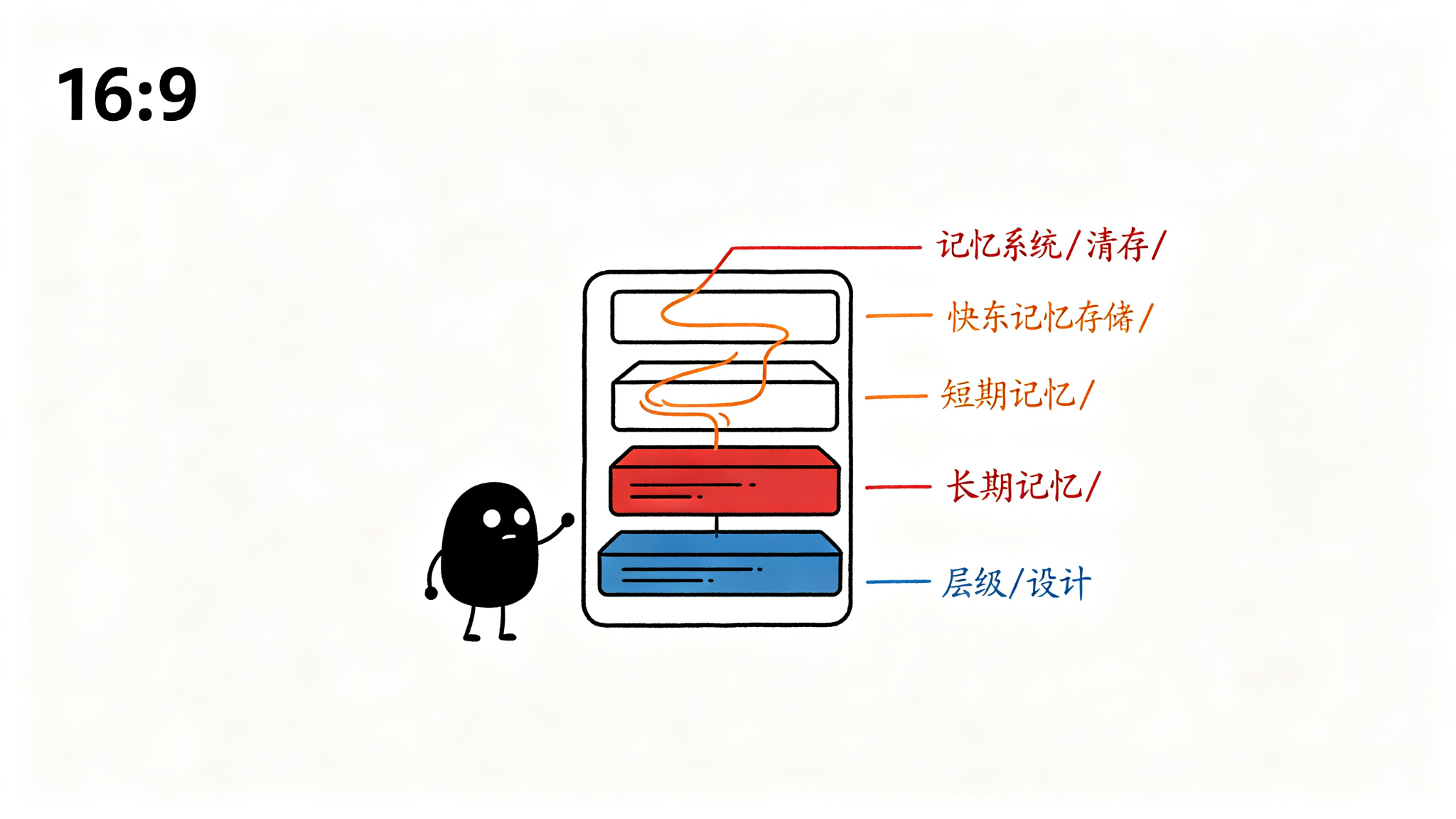
三层记忆模型
借鉴认知心理学的记忆分层理论,Agent 的记忆系统可以分为三层:
#mermaid-svg-Obww1v5KviSQDuIA{font-family:\”trebuchet ms\”,verdana,arial,sans-serif;font-size:16px;fill:#333;}@keyframes edge-animation-frame{from{stroke-dashoffset:0;}}@keyframes dash{to{stroke-dashoffset:0;}}#mermaid-svg-Obww1v5KviSQDuIA .edge-animation-slow{stroke-dasharray:9,5!important;stroke-dashoffset:900;animation:dash 50s linear infinite;stroke-linecap:round;}#mermaid-svg-Obww1v5KviSQDuIA .edge-animation-fast{stroke-dasharray:9,5!important;stroke-dashoffset:900;animation:dash 20s linear infinite;stroke-linecap:round;}#mermaid-svg-Obww1v5KviSQDuIA .error-icon{fill:#552222;}#mermaid-svg-Obww1v5KviSQDuIA .error-text{fill:#552222;stroke:#552222;}#mermaid-svg-Obww1v5KviSQDuIA .edge-thickness-normal{stroke-width:1px;}#mermaid-svg-Obww1v5KviSQDuIA .edge-thickness-thick{stroke-width:3.5px;}#mermaid-svg-Obww1v5KviSQDuIA .edge-pattern-solid{stroke-dasharray:0;}#mermaid-svg-Obww1v5KviSQDuIA .edge-thickness-invisible{stroke-width:0;fill:none;}#mermaid-svg-Obww1v5KviSQDuIA .edge-pattern-dashed{stroke-dasharray:3;}#mermaid-svg-Obww1v5KviSQDuIA .edge-pattern-dotted{stroke-dasharray:2;}#mermaid-svg-Obww1v5KviSQDuIA .marker{fill:#333333;stroke:#333333;}#mermaid-svg-Obww1v5KviSQDuIA .marker.cross{stroke:#333333;}#mermaid-svg-Obww1v5KviSQDuIA svg{font-family:\”trebuchet ms\”,verdana,arial,sans-serif;font-size:16px;}#mermaid-svg-Obww1v5KviSQDuIA p{margin:0;}#mermaid-svg-Obww1v5KviSQDuIA .label{font-family:\”trebuchet ms\”,verdana,arial,sans-serif;color:#333;}#mermaid-svg-Obww1v5KviSQDuIA .cluster-label text{fill:#333;}#mermaid-svg-Obww1v5KviSQDuIA .cluster-label span{color:#333;}#mermaid-svg-Obww1v5KviSQDuIA .cluster-label span p{background-color:transparent;}#mermaid-svg-Obww1v5KviSQDuIA .label text,#mermaid-svg-Obww1v5KviSQDuIA span{fill:#333;color:#333;}#mermaid-svg-Obww1v5KviSQDuIA .node rect,#mermaid-svg-Obww1v5KviSQDuIA .node circle,#mermaid-svg-Obww1v5KviSQDuIA .node ellipse,#mermaid-svg-Obww1v5KviSQDuIA .node polygon,#mermaid-svg-Obww1v5KviSQDuIA .node path{fill:#ECECFF;stroke:#9370DB;stroke-width:1px;}#mermaid-svg-Obww1v5KviSQDuIA .rough-node .label text,#mermaid-svg-Obww1v5KviSQDuIA .node .label text,#mermaid-svg-Obww1v5KviSQDuIA .image-shape .label,#mermaid-svg-Obww1v5KviSQDuIA .icon-shape .label{text-anchor:middle;}#mermaid-svg-Obww1v5KviSQDuIA .node .katex path{fill:#000;stroke:#000;stroke-width:1px;}#mermaid-svg-Obww1v5KviSQDuIA .rough-node .label,#mermaid-svg-Obww1v5KviSQDuIA .node .label,#mermaid-svg-Obww1v5KviSQDuIA .image-shape .label,#mermaid-svg-Obww1v5KviSQDuIA .icon-shape .label{text-align:center;}#mermaid-svg-Obww1v5KviSQDuIA .node.clickable{cursor:pointer;}#mermaid-svg-Obww1v5KviSQDuIA .root .anchor path{fill:#333333!important;stroke-width:0;stroke:#333333;}#mermaid-svg-Obww1v5KviSQDuIA .arrowheadPath{fill:#333333;}#mermaid-svg-Obww1v5KviSQDuIA .edgePath .path{stroke:#333333;stroke-width:2.0px;}#mermaid-svg-Obww1v5KviSQDuIA .flowchart-link{stroke:#333333;fill:none;}#mermaid-svg-Obww1v5KviSQDuIA .edgeLabel{background-color:rgba(232,232,232, 0.8);text-align:center;}#mermaid-svg-Obww1v5KviSQDuIA .edgeLabel p{background-color:rgba(232,232,232, 0.8);}#mermaid-svg-Obww1v5KviSQDuIA .edgeLabel rect{opacity:0.5;background-color:rgba(232,232,232, 0.8);fill:rgba(232,232,232, 0.8);}#mermaid-svg-Obww1v5KviSQDuIA .labelBkg{background-color:rgba(232, 232, 232, 0.5);}#mermaid-svg-Obww1v5KviSQDuIA .cluster rect{fill:#ffffde;stroke:#aaaa33;stroke-width:1px;}#mermaid-svg-Obww1v5KviSQDuIA .cluster text{fill:#333;}#mermaid-svg-Obww1v5KviSQDuIA .cluster span{color:#333;}#mermaid-svg-Obww1v5KviSQDuIA div.mermaidTooltip{position:absolute;text-align:center;max-width:200px;padding:2px;font-family:\”trebuchet ms\”,verdana,arial,sans-serif;font-size:12px;background:hsl(80, 100%, 96.2745098039%);border:1px solid #aaaa33;border-radius:2px;pointer-events:none;z-index:100;}#mermaid-svg-Obww1v5KviSQDuIA .flowchartTitleText{text-anchor:middle;font-size:18px;fill:#333;}#mermaid-svg-Obww1v5KviSQDuIA rect.text{fill:none;stroke-width:0;}#mermaid-svg-Obww1v5KviSQDuIA .icon-shape,#mermaid-svg-Obww1v5KviSQDuIA .image-shape{background-color:rgba(232,232,232, 0.8);text-align:center;}#mermaid-svg-Obww1v5KviSQDuIA .icon-shape p,#mermaid-svg-Obww1v5KviSQDuIA .image-shape p{background-color:rgba(232,232,232, 0.8);padding:2px;}#mermaid-svg-Obww1v5KviSQDuIA .icon-shape .label rect,#mermaid-svg-Obww1v5KviSQDuIA .image-shape .label rect{opacity:0.5;background-color:rgba(232,232,232, 0.8);fill:rgba(232,232,232, 0.8);}#mermaid-svg-Obww1v5KviSQDuIA .label-icon{display:inline-block;height:1em;overflow:visible;vertical-align:-0.125em;}#mermaid-svg-Obww1v5KviSQDuIA .node .label-icon path{fill:currentColor;stroke:revert;stroke-width:revert;}#mermaid-svg-Obww1v5KviSQDuIA :root{–mermaid-font-family:\”trebuchet ms\”,verdana,arial,sans-serif;}
检索
加载
短期记忆 Short-term
Prompt Cache
KV Cache
token 缓存
中期记忆 Medium-term
工具结果缓存
中间计算
会话上下文
长期记忆 Long-term
用户偏好
历史交互
知识积累
每一层的访问模式、容量限制和失效策略都截然不同:
| 短期 Prompt Cache | ~100KB tokens | <100ms | 分钟级 | 系统提示词、工具定义 |
| 中期会话缓存 | ~10MB | <10ms | 会话级 | 工具输出、中间结果 |
| 长期持久化存储 | ~GB级 | <100ms | 永久 | 用户画像、历史记录 |
为什么需要分层?
单层缓存无法满足 Agent 的多样化需求。考虑以下场景:
这三个场景分别对应三个不同的缓存层级,使用不同的存储介质和失效策略。
短期缓存:Prompt Cache
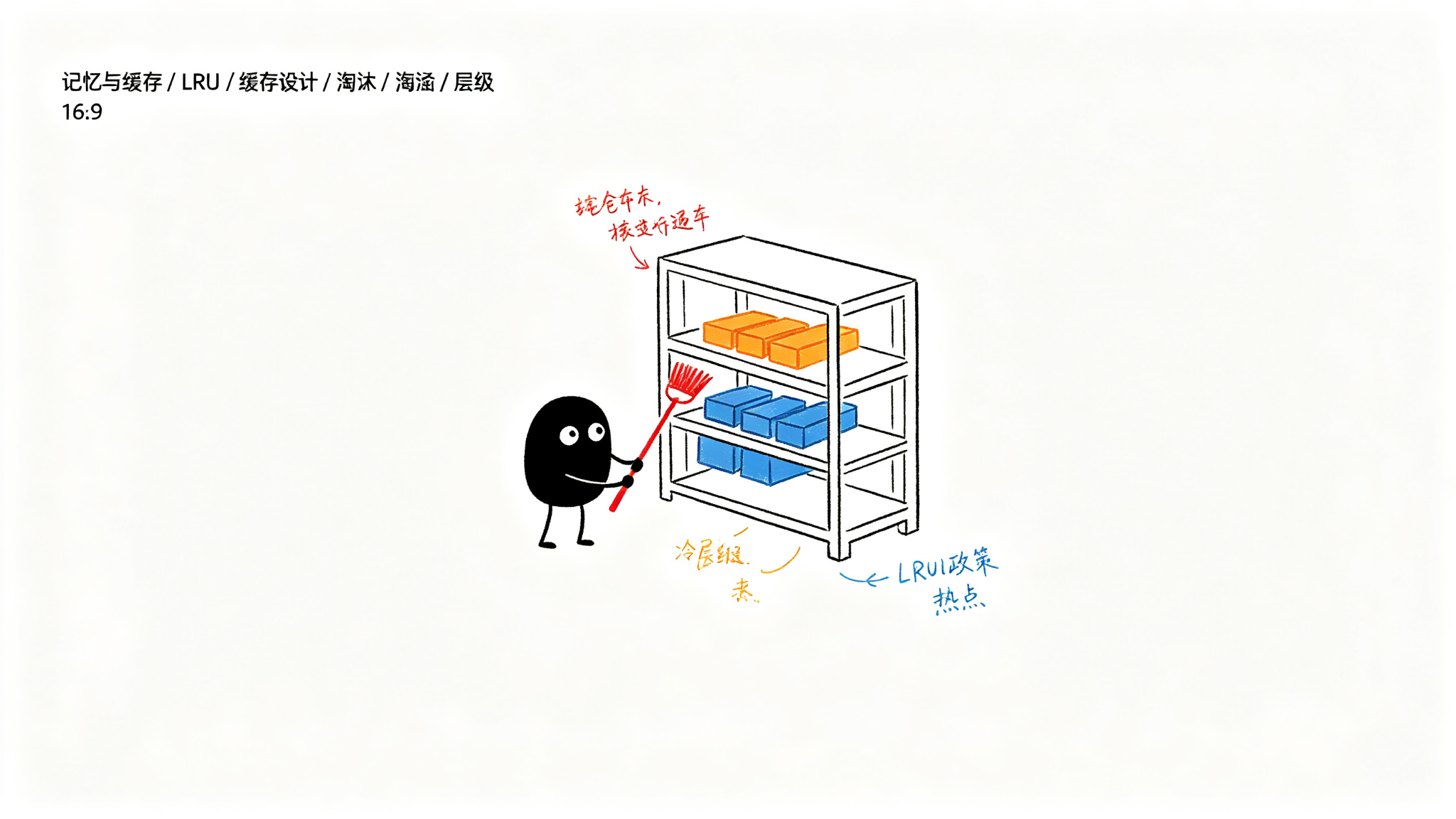
Anthropic Prompt Caching 机制
Anthropic 在 2024 年推出了 Prompt Caching 功能,允许开发者标记消息中的静态部分进行缓存。被缓存的前缀(prefix)在后续请求中无需重新处理,可以显著降低首 token 延迟(TTFT)和成本。
Prompt Cache 的工作原理基于一个关键观察:Transformer 模型的 KV Cache 可以跨请求复用。当系统提示词和工具定义在多次请求中保持不变时,模型不需要重新计算这些 token 的注意力状态。
from anthropic import Anthropic
client = Anthropic()
# Prompt Cache 的核心用法:标记静态前缀
response = client.messages.create(
model="claude-sonnet-4-20250514",
max_tokens=1024,
system=[
{
"type": "text",
"text": "你是一个代码分析助手。你的任务是分析用户提供的代码…" * 100,
# cache_control 标记此段为可缓存
# Anthropic 会自动缓存此前缀,后续请求复用
"cache_control": {"type": "ephemeral"}
}
],
tools=[
{
"name": "read_file",
"description": "读取文件内容",
"input_schema": {
"type": "object",
"properties": {"path": {"type": "string"}},
"required": ["path"]
},
# 工具定义也可以缓存,通常占token比例不小
"cache_control": {"type": "ephemeral"}
}
],
messages=[{"role": "user", "content": "分析 main.py"}]
)
# 从响应中可以看到缓存命中情况
print(f"Cache creation: {response.usage.cache_creation_input_tokens}")
print(f"Cache read: {response.usage.cache_read_input_tokens}")
Prompt Cache 的命中策略
Prompt Cache 的命中有一个重要约束:缓存前缀必须完全匹配。这意味着:
- 系统提示词必须逐字节相同
- 工具定义的顺序和内容不能改变
- 只有前缀部分可以缓存,中间的变更会导致后续缓存失效
因此,最佳实践是将不变的内容放在消息序列的最前面,将变化的内容(如用户消息)放在最后面。
缓存成本分析
Prompt Cache 并非免费。Anthropic 的定价模型是:
- 缓存写入(首次创建):比普通输入 token 贵 25%
- 缓存读取(命中):比普通输入 token 便宜 90%
- 缓存 TTL:默认 5 分钟,可配置
这意味着只有当同一前缀被多次请求时,缓存才有收益。对于典型的 Agent 会话(10+ 轮对话),Prompt Cache 几乎总是划算的。
中期缓存:会话内缓存
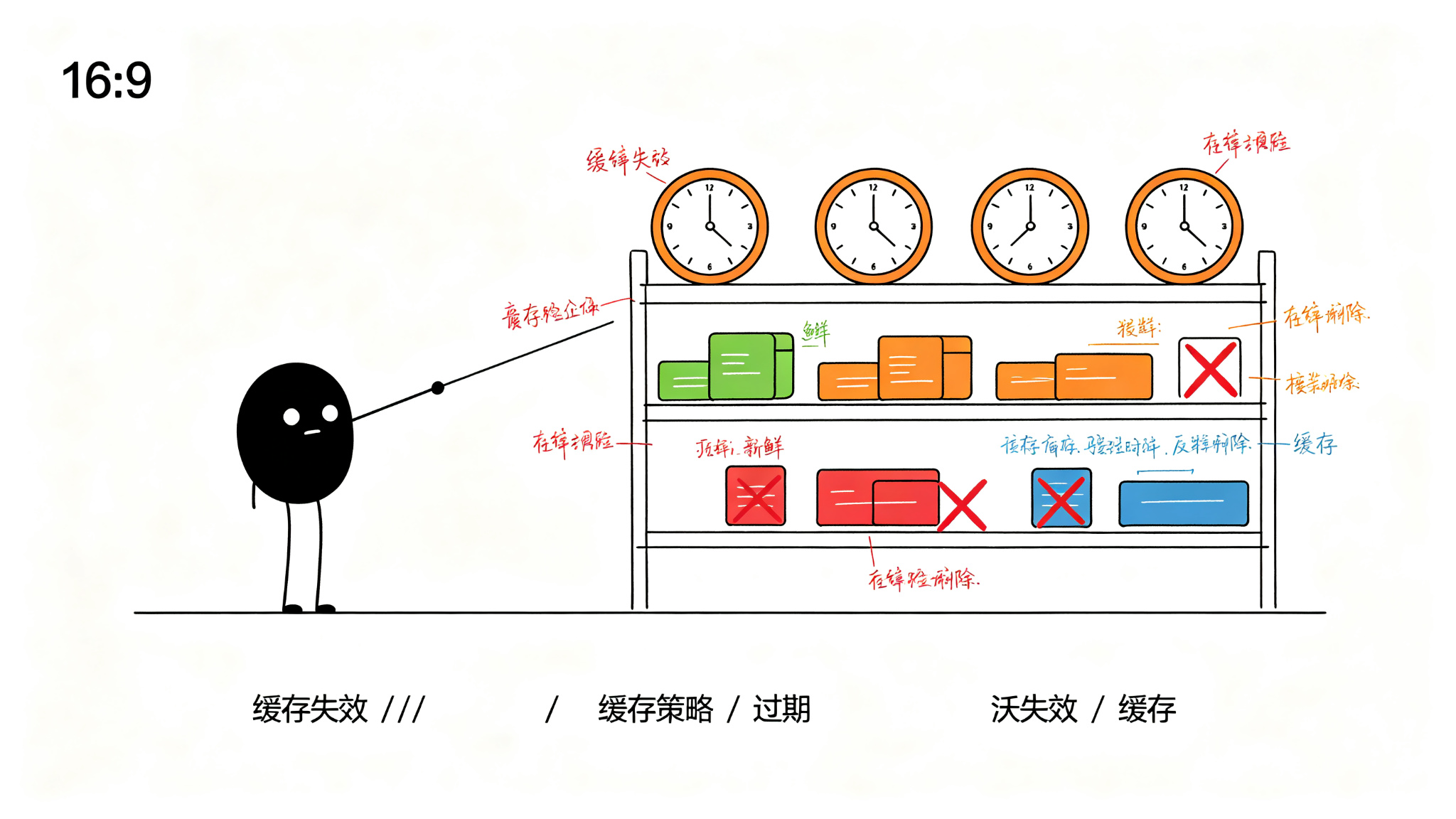
工具结果缓存
在一次 Agent 会话中,同一个工具可能被多次调用。例如,Agent 可能在分析代码时多次读取同一个文件。如果每次都重新执行工具调用,不仅浪费时间,还可能因为文件在两次读取之间被修改而导致不一致。
工具结果缓存解决了这个问题:同一个工具、相同的输入参数,在一次会话内只执行一次。
import hashlib
import json
import time
from typing import Any, Dict, Optional
from dataclasses import dataclass, field
@dataclass
class CacheEntry:
"""缓存条目 – 存储单次工具调用的结果"""
key: str # 缓存键(工具名 + 参数哈希)
value: Any # 缓存值(工具输出)
created_at: float # 创建时间戳
ttl: int # 生存时间(秒)
hit_count: int = 0 # 命中次数,用于 LRU/LFU 淘汰
size_bytes: int = 0 # 条目大小,用于容量管理
def is_expired(self) –> bool:
"""检查缓存是否过期"""
return time.time() – self.created_at > self.ttl
class ToolResultCache:
"""工具结果缓存 – 会话级别的工具输出缓存"""
def __init__(self, max_size_mb: int = 50, default_ttl: int = 600):
self.cache: Dict[str, CacheEntry] = {}
self.max_size_bytes = max_size_mb * 1024 * 1024
self.default_ttl = default_ttl
self.current_size = 0
self.stats = {'hits': 0, 'misses': 0, 'evictions': 0}
def _make_key(self, tool_name: str, params: Dict[str, Any]) –> str:
"""生成缓存键 – 工具名 + 参数的确定性哈希"""
# 对参数排序以保证相同参数产生相同的键
param_str = json.dumps(params, sort_keys=True, ensure_ascii=False)
hash_val = hashlib.sha256(f"{tool_name}:{param_str}".encode()).hexdigest()[:16]
return f"{tool_name}:{hash_val}"
def get(self, tool_name: str, params: Dict[str, Any]) –> Optional[Any]:
"""查询缓存 – 返回 None 表示未命中"""
key = self._make_key(tool_name, params)
entry = self.cache.get(key)
if entry is None:
self.stats['misses'] += 1
return None
if entry.is_expired():
# 过期条目,删除并返回未命中
self._remove_entry(key)
self.stats['misses'] += 1
return None
# 命中!更新命中计数
entry.hit_count += 1
self.stats['hits'] += 1
return entry.value
def put(self, tool_name: str, params: Dict[str, Any],
result: Any, ttl: Optional[int] = None) –> None:
"""写入缓存 – 带容量管理和自动淘汰"""
key = self._make_key(tool_name, params)
value_bytes = len(json.dumps(result, ensure_ascii=False).encode('utf-8'))
# 如果单条结果超过缓存总容量的 20%,不缓存
if value_bytes > self.max_size_bytes * 0.2:
return
# 容量不足时执行淘汰
while self.current_size + value_bytes > self.max_size_bytes:
self._evict_lfu() # 使用 LFU(最不经常使用)淘汰策略
entry = CacheEntry(
key=key,
value=result,
created_at=time.time(),
ttl=ttl or self.default_ttl,
size_bytes=value_bytes
)
self.cache[key] = entry
self.current_size += value_bytes
def _evict_lfu(self) –> None:
"""LFU 淘汰 – 移除命中次数最少的条目"""
if not self.cache:
return
# 找到命中次数最少的条目
lfu_key = min(self.cache, key=lambda k: self.cache[k].hit_count)
self._remove_entry(lfu_key)
self.stats['evictions'] += 1
def _remove_entry(self, key: str) –> None:
"""移除缓存条目并更新大小统计"""
entry = self.cache.pop(key, None)
if entry:
self.current_size -= entry.size_bytes
def invalidate(self, tool_name: str, params: Dict[str, Any]) –> bool:
"""手动失效 – 当已知数据源变化时调用"""
key = self._make_key(tool_name, params)
if key in self.cache:
self._remove_entry(key)
return True
return False
def invalidate_by_prefix(self, prefix: str) –> int:
"""按前缀批量失效 – 例如失效所有 read_file 的缓存"""
keys_to_remove = [k for k in self.cache if k.startswith(prefix)]
for key in keys_to_remove:
self._remove_entry(key)
return len(keys_to_remove)
这段代码实现了一个完整的工具结果缓存,包含以下关键设计决策:
上下文窗口缓存
除了工具结果,Agent 还需要缓存"上下文窗口"——即当前发送给模型的完整消息序列。这个缓存的目的不是避免重复计算,而是快速恢复对话上下文。
当用户在会话中回退到某个历史节点时,Agent 需要重建该节点的上下文窗口。如果没有缓存,就需要从头遍历所有事件来重建,这在长会话中可能很慢。
长期记忆:跨会话持久化
记忆的组织方式
长期记忆需要解决的核心问题是检索效率。当用户说"上次我们讨论的那个性能优化方案"时,Agent 需要从海量历史记录中快速找到相关内容。
常见的组织方式包括:
import json
from datetime import datetime
from typing import List, Dict, Any, Optional
from dataclasses import dataclass, field
@dataclass
class Memory:
"""单条长期记忆"""
memory_id: str
content: str # 记忆内容(自然语言描述)
source_session_id: str # 来源会话ID
created_at: str # 创建时间
last_accessed: str # 最后访问时间
access_count: int = 0 # 访问次数
importance: float = 0.5 # 重要性评分(0-1)
tags: List[str] = field(default_factory=list) # 主题标签
embedding: Optional[List[float]] = None # 向量表示(用于语义搜索)
class LongTermMemoryStore:
"""长期记忆存储 – 支持多维度检索"""
def __init__(self, storage_path: str = "memories.jsonl"):
self.storage_path = storage_path
self.memories: Dict[str, Memory] = {}
self._load_from_disk()
def _load_from_disk(self) –> None:
"""从磁盘加载记忆索引"""
try:
with open(self.storage_path, 'r', encoding='utf-8') as f:
for line in f:
if line.strip():
data = json.loads(line)
mem = Memory(**data)
self.memories[mem.memory_id] = mem
except FileNotFoundError:
pass # 首次运行,无历史记忆
def store(self, content: str, source_session_id: str,
importance: float = 0.5, tags: List[str] = None) –> Memory:
"""存储新记忆"""
now = datetime.utcnow().isoformat() + 'Z'
memory_id = f"mem_{int(datetime.utcnow().timestamp())}_{id(content) % 10000}"
memory = Memory(
memory_id=memory_id,
content=content,
source_session_id=source_session_id,
created_at=now,
last_accessed=now,
importance=importance,
tags=tags or []
)
self.memories[memory_id] = memory
self._append_to_disk(memory)
return memory
def retrieve_by_recency(self, limit: int = 10) –> List[Memory]:
"""按时间检索 – 最近的记忆优先"""
sorted_memories = sorted(
self.memories.values(),
key=lambda m: m.created_at,
reverse=True
)
return sorted_memories[:limit]
def retrieve_by_importance(self, limit: int = 10) –> List[Memory]:
"""按重要性检索 – 评分最高的记忆优先"""
sorted_memories = sorted(
self.memories.values(),
key=lambda m: m.importance,
reverse=True
)
return sorted_memories[:limit]
def retrieve_by_tags(self, tags: List[str]) –> List[Memory]:
"""按标签检索 – 返回包含任一标签的记忆"""
return [
m for m in self.memories.values()
if set(tags) & set(m.tags)
]
def decay_importance(self, decay_factor: float = 0.95) –> None:
"""重要性衰减 – 模拟遗忘曲线,长期未访问的记忆重要性降低"""
now = datetime.utcnow()
for memory in self.memories.values():
last_access = datetime.fromisoformat(
memory.last_accessed.rstrip('Z')
)
days_since_access = (now – last_access).days
# 每天衰减一次,访问次数越多衰减越慢
effective_decay = decay_factor ** (days_since_access / max(memory.access_count, 1))
memory.importance *= effective_decay
def _append_to_disk(self, memory: Memory) –> None:
"""追加写入磁盘 – Append-only 模式"""
with open(self.storage_path, 'a', encoding='utf-8') as f:
data = {
'memory_id': memory.memory_id,
'content': memory.content,
'source_session_id': memory.source_session_id,
'created_at': memory.created_at,
'last_accessed': memory.last_accessed,
'importance': memory.importance,
'tags': memory.tags
}
f.write(json.dumps(data, ensure_ascii=False) + '\\n')
这段长期记忆存储的实现包含了几个关键设计:
记忆的生命周期管理
长期记忆不能无限增长。需要一个生命周期管理策略:
缓存失效策略
缓存失效的三大难题
Phil Karlton 说过:"计算机科学中只有两件难事:缓存失效和命名。"在 Agent 系统中,缓存失效尤其困难,因为:
失效策略对比
| TTL(时间过期) | 固定时间后自动失效 | 实现简单,可预测 | 可能过早或过晚失效 | Prompt Cache |
| LRU(最近最少使用) | 淘汰最久未访问的条目 | 适配访问模式 | 可能淘汰偶尔访问的大对象 | 工具结果缓存 |
| LFU(最不经常使用) | 淘汰访问频率最低的条目 | 保留热点数据 | 新条目容易被淘汰 | 会话内缓存 |
| 事件驱动失效 | 数据源变化时主动通知 | 实时性最好 | 需要数据源配合 | 文件监控缓存 |
| 版本号失效 | 每次写入递增版本号 | 精确控制 | 需要维护版本元数据 | 配置缓存 |
混合失效策略
实践中,Agent 系统通常采用混合策略。以文件读取缓存为例:
class HybridCacheInvalidation:
"""混合缓存失效策略 – 结合 TTL 和事件驱动"""
def __init__(self, cache: ToolResultCache):
self.cache = cache
self.file_watchers: Dict[str, float] = {} # 文件路径 -> 最后修改时间
def should_invalidate(self, tool_name: str, params: Dict[str, Any]) –> bool:
"""判断缓存条目是否应该失效"""
if tool_name == "read_file":
file_path = params.get("path", "")
# 策略1:检查文件修改时间
try:
import os
current_mtime = os.path.getmtime(file_path)
cached_mtime = self.file_watchers.get(file_path)
if cached_mtime and current_mtime > cached_mtime:
return True # 文件被修改,缓存失效
self.file_watchers[file_path] = current_mtime
except FileNotFoundError:
return True # 文件被删除,缓存失效
elif tool_name in ("web_search", "api_call"):
# 策略2:外部 API 结果使用短 TTL(已在缓存层处理)
return False # 依赖 TTL 自动过期
elif tool_name == "list_directory":
# 策略3:目录列表使用中等 TTL + 文件系统事件
import os
dir_path = params.get("path", ".")
try:
current_mtime = os.path.getmtime(dir_path)
cached_mtime = self.file_watchers.get(dir_path)
if cached_mtime and current_mtime > cached_mtime:
return True
self.file_watchers[dir_path] = current_mtime
except FileNotFoundError:
return True
return False
总结
Agent 的记忆与缓存系统是一个分层的、多策略的复杂工程问题。核心设计原则是:
在实现自己的 Agent 记忆系统时,建议从最简单的 TTL 缓存开始,根据实际的命中率和使用模式逐步引入更复杂的策略。记住:缓存的目的是用空间换时间,但如果缓存管理本身的开销超过了收益,那就本末倒置了。
参考资料
本系列覆盖 AI 大模型基础、Agent 开发、MCP 协议、Skill 开发、RAG、模型微调、部署推理 七大方向,从入门到实战的全栈内容持续更新中。
所有文章的 Markdown 源文件、可运行代码、高清配图已整理成完整资料包。
👍 点赞 + ⭐ 关注,评论区扣「1」,挨个发你领取方式 👇





评论前必须登录!
注册